
Searching Cases by Name
The Blount County search form gives you a single Party Name or Case Reference box. Type the whole first and last name if you can. Short pieces of a name get less typo tolerance. A partial first name may skip spelling variants. The form ships with Match all search terms checked. So every term you enter gets combined. A common name works far better once you add a likely year. The right court office helps too.
- Open the public Online Court Records System and choose Search rather than Subscription Login.
- Type the full party name in Party Name. Do not combine a name and old case reference in that box.
- Add the four-digit Case Year when known.
- Keep only the likely Court Type and Case Type choices checked.
- Complete Turnstile verification, press Find Now, and sort the result columns.
- Open the matching record and confirm its court, number, parties, filing date, settings, and result.
The full inspected search-field inventory follows.
| Field | Type | Required | Blount County rule |
|---|---|---|---|
| Party Name | Text, 100 characters | Conditional | Also accepts a case reference; full names work best |
| Match all terms | Checkbox | No | Checked by default |
| Case Year | Text, four characters | No | Narrows a name result |
| Case Number | Text, 50 characters | No | Use the numeric tail after the final hyphen |
| Court Type | Checkboxes | One choice | Circuit, General Sessions, Clerk and Master |
| Case Type | Checkboxes | No | Criminal and Civil |
| Turnstile | Human check | Yes | Find Now stays disabled until complete |
Blount County Portal Walkthrough
The county's official entry page states that online coverage starts with records filed August 1, 2019. Some older records may appear too. Confidential cases never display. From the portal home you can reach Search, Contact, Subscription Login, and the terms. The public interface does not show a subscription price. It shows no per-document image fee either. So treat it as a lookup tool, not a full document-download service. The county's own landing page draws that same line. It separates public search from the rest of the portal.
View the Blount County Online Court Records System source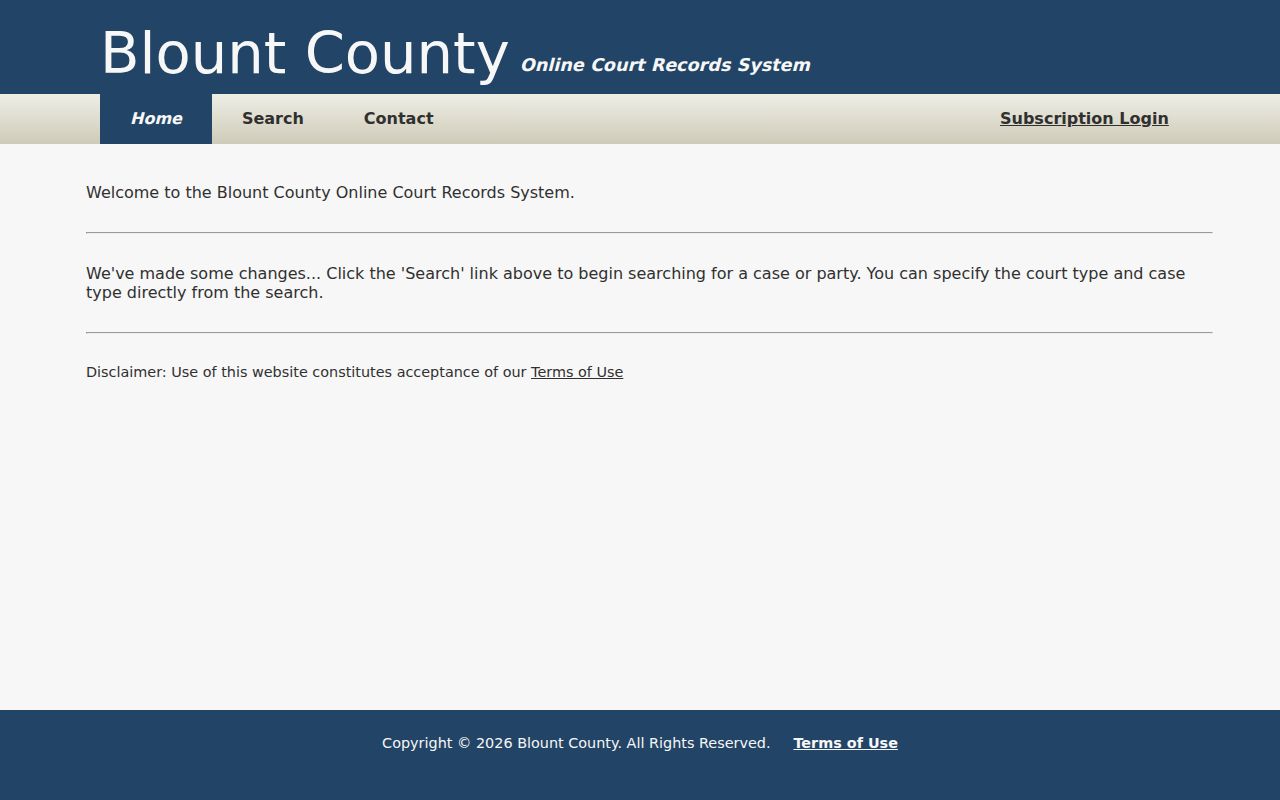
On the portal home, Search is the free public route. Subscription access sits apart from it. A standard browser is all you need. If the county service ever seems down, a stalled page usually means your own connection, not the court records system. Results arrive in a sortable table. Click any header to flip between ascending and descending order. The visible-column filter will match literal text as you type.
Searching by Case Number
A Blount County case number packs in clues. Yet the form wants less than the full printed string. Suppose a source lists 99GS1-2023-CR-12345. Put 12345 in Case Number and 2023 in Case Year. The help text says to enter the numeric portion after the last hyphen. Paste the whole string into the number box and you risk a false miss.
Local rules add a letter code. Circuit criminal docket numbers carry a C. Circuit civil or law numbers carry an L. When the Clerk and Master assigns a Circuit number, it takes an E. Chancery numbers run by year, and one official redacted example is 5CH1-2024-CH-11. Handy as these formats are, they are not a codebook for every register entry.
No match on the portal? Check each digit against your notice first. Then strip punctuation the way the portal directs. Set the year in its own field. Pick the office that issued the number.
Blount County Search Logic
Portal help sets a hard cap: only the first ten words in the text box count. Year, number, and checkbox choices stay outside that limit. Text gets normalized, with non-spacing marks removed and everything folded to lower case. Quotation marks force a phrase match. Soft separators are ignored; hard separators split terms.
Typo tolerance scales with length. Five characters or more allows one typo, and nine or more allows two. That's why a short entry like "Jon" may never find "John." Start with an accurate full name. When a broad query floods you with rows, add the year and office rather than trusting the first result. The search screen itself lays these choices out plainly.
Open the official Blount County case-search form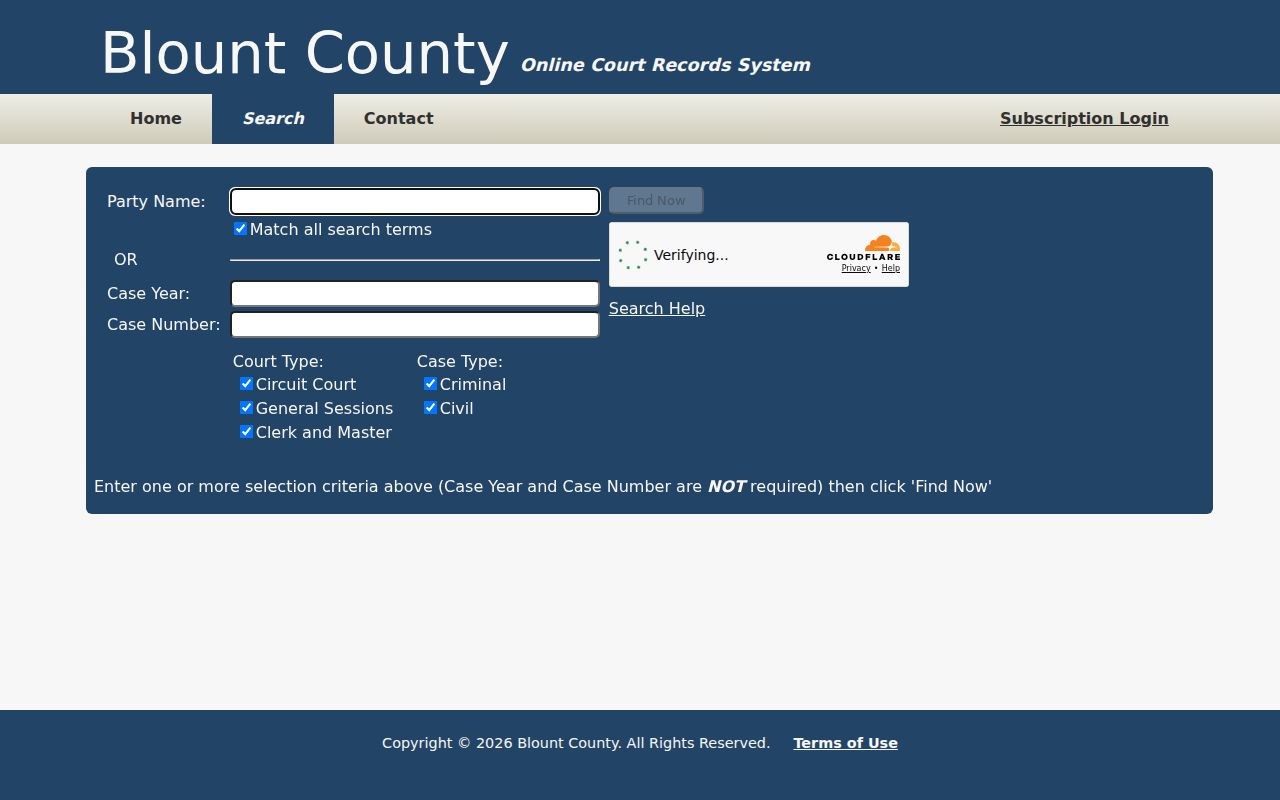
The search screen lists court and case-type checkboxes that steer the whole query.
What a Case Search Returns
What the public sees is a case index. It is not always the whole court file. Up to 2,500 rows can come back at once. Sorting tames a big set, and the result filter hunts literal visible text across columns. When you lack a case reference, Search Help suggests finding by name first, then filtering. Confirm enough fields to tell apart two people who share a name.
| Case Number | The local identifier and court context. |
|---|---|
| Style or Parties | The public caption, subject to redaction and access rules. |
| Court and Case Type | The Circuit, General Sessions, or Clerk and Master category and civil or criminal choice. |
| Filed Date | The date the matter entered the court record. |
| Register | Dated filings, motions, notices, settings, orders, and other actions. |
| Disposition | The result, which may include judgment, dismissal, plea, conviction, or another outcome. |
| Financial Fields | Costs, fines, balances, or judgments when public and available. |
For a signed order, filed pleading, certified docket, or judgment, go to the clerk who holds the record. A search screen is not an authenticated copy.
When Blount County Search Stops
An empty result does not mean no case exists. The record may predate the online window. It may sit in a city court or belong to Juvenile Court. It could be sealed or expunged. It might even live with a different clerk. Chris Cantrell's Circuit Court Clerk covers Circuit, General Sessions, Juvenile, Orders of Protection, and Traffic. Steve S. Ogle's Clerk and Master holds Chancery, probate, estate, adoption, conservatorship, domestic-relations, tax-suit, and Circuit Equity records.
Covered public records are open at the public terminal or the clerk counter. A detailed request can also go through the Circuit records process. Inspection-only requests need not be written under county policy. Copies require Form A plus proof of Tennessee citizenship. Phones work too. Circuit main is 865-273-5400. General Sessions Criminal is 865-273-5450. General Sessions Civil is 865-273-5430. Juvenile is 865-273-5935. Traffic is 865-273-5440. Clerk and Master is 865-273-5500. For mail, name the case and the specific existing record you want. The portal contact screen helps you pick among the three main offices.
View the portal clerk-contact source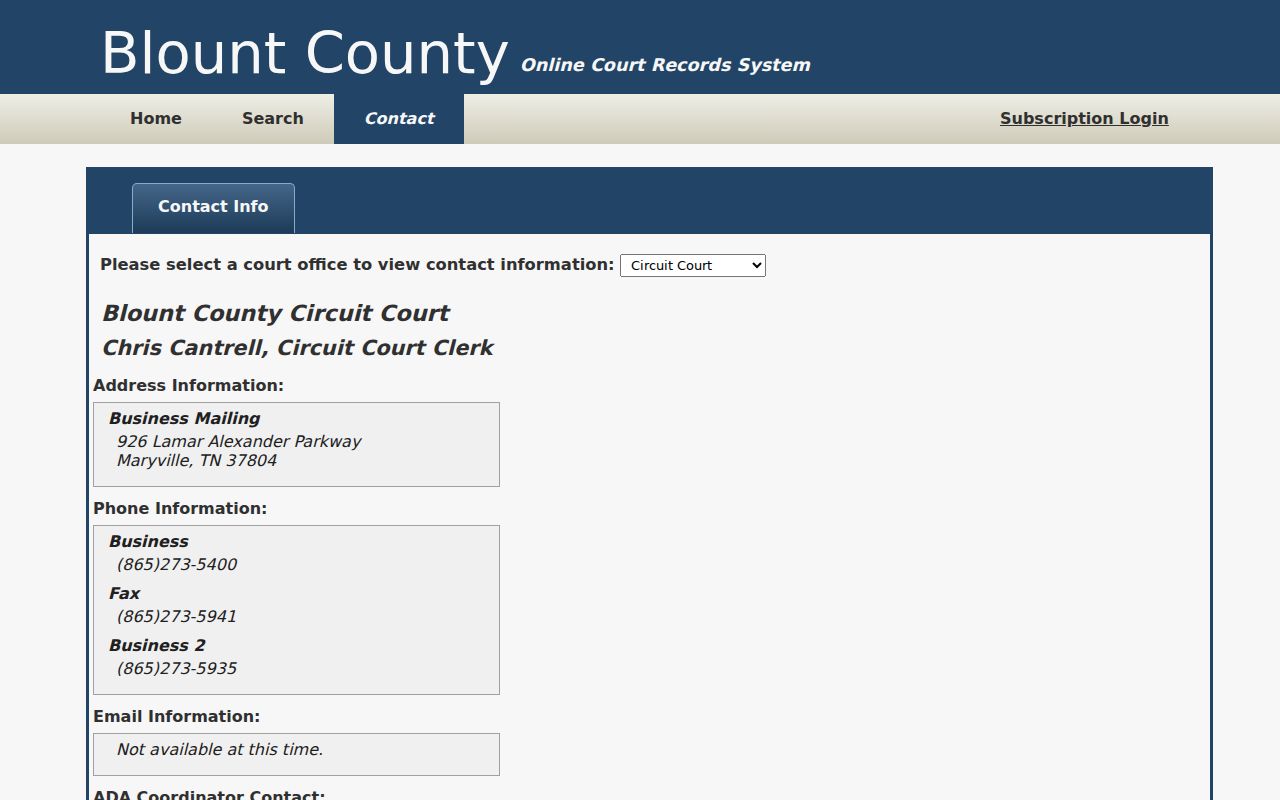
The selector shows Circuit, General Sessions, and Clerk and Master as separate custody routes.
Statewide vs County Case Search
Tennessee does not offer a single statewide search for trial-court cases. Each county handles that layer itself. For Blount County, the local portal is where trial dockets live. A separate state tool, Tennessee Public Case History, covers only appeals in the Supreme Court, the Court of Appeals, and the Court of Criminal Appeals. It becomes useful once a Blount County case reaches an appellate court. Before that point, the county portal remains the docket search that matters.
| Point | Tennessee Public Case History | Blount County Portal |
|---|---|---|
| Coverage | State appellate cases | Covered local trial matters |
| Search choices | Appeal number, style, party, organization | Name/reference, year, number, court and case type |
| Detail | Trial number, judge, counsel, milestones, history, linked PDFs | Local docket index and available case details |
| Best use | Track an appeal | Find a Blount trial case |
The official state interface illustrates that appellate boundary.
View Tennessee Public Case History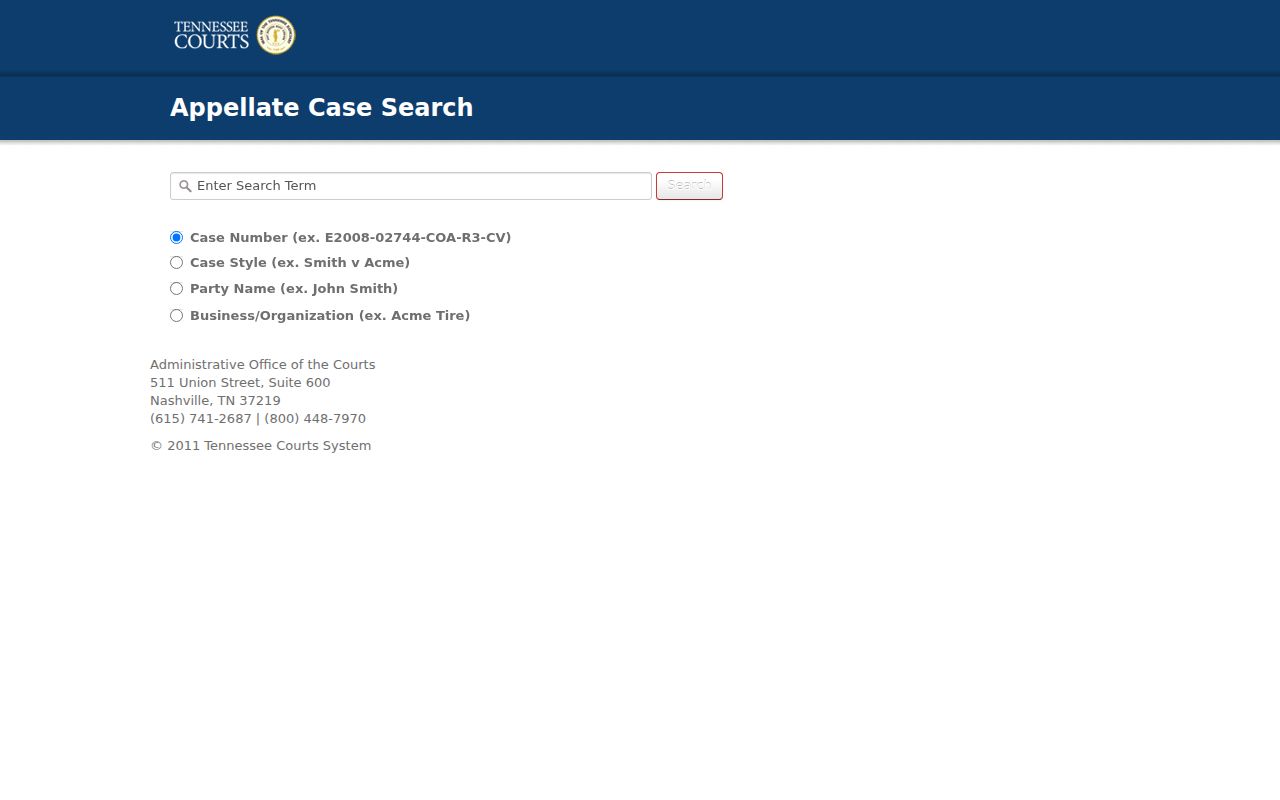
Reach for the state screen when the goal is an appeal. An ordinary Blount County trial docket search stays with the local portal.
Blount County Appellate Cross-Check
Public Case History shows a lot about an appellate case. You can see the appeal case number, case style, trial case number, and trial judge. Parties, counsel, milestones, and history appear too. So do any linked opinions or orders. The state says its system covers appellate cases filed after September 1, 2006. It refreshes once each day, so the newest activity may lag. Fresh trial activity often sits only in the local Blount County record. The state's help page tied to Blount County case search lays out the product's scope. It also gives the contact route.
Read the Public Case History help source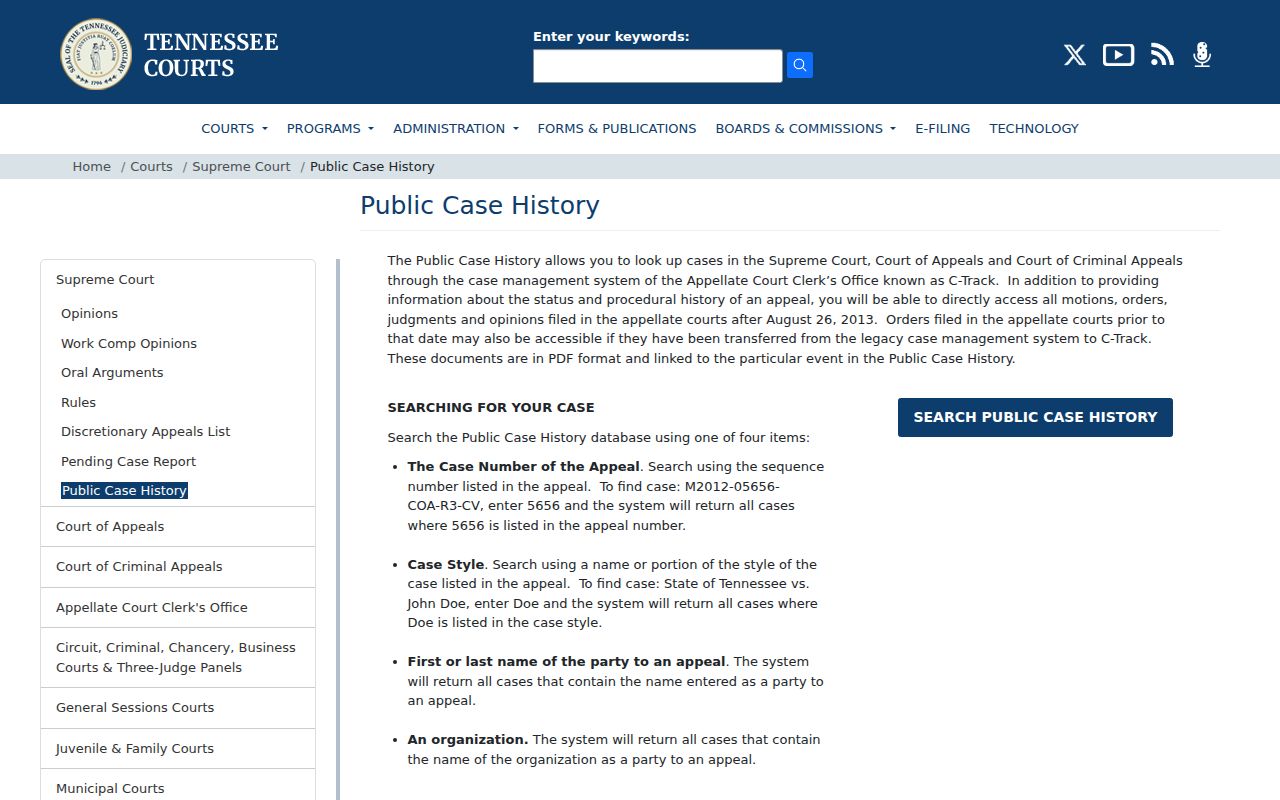
A case must reach the appellate level before the statewide layer applies at all. That is what the help material confirms. When you know both numbers, search both. The appellate number marks the reviewing court's matter. The trial number points back to Blount County. Keep in mind that an appellate PDF does not convert the whole trial file into a statewide online record.
Access and Restricted Cases
Public access to court records has real limits. Tennessee Supreme Court Rule 34 sets a general public-access baseline, but statutes, sealing orders, protective orders, and other confidential categories still control. Juvenile matters, adoption and protected child-welfare files, some family or conservatorship material, sealed portions, expunged records, protected addresses, account numbers, and minor identifiers may be missing or redacted from a Blount County docket search.
A blank result is not a loophole. Ask the clerk whether the case falls outside the portal period, belongs to another court, or carries a lawful access restriction. Parties and counsel may hold rights the general public does not, yet access must still run through the court's approved process. The county page that routes users into online search also states the coverage and confidentiality boundary.
View the Blount County online-records source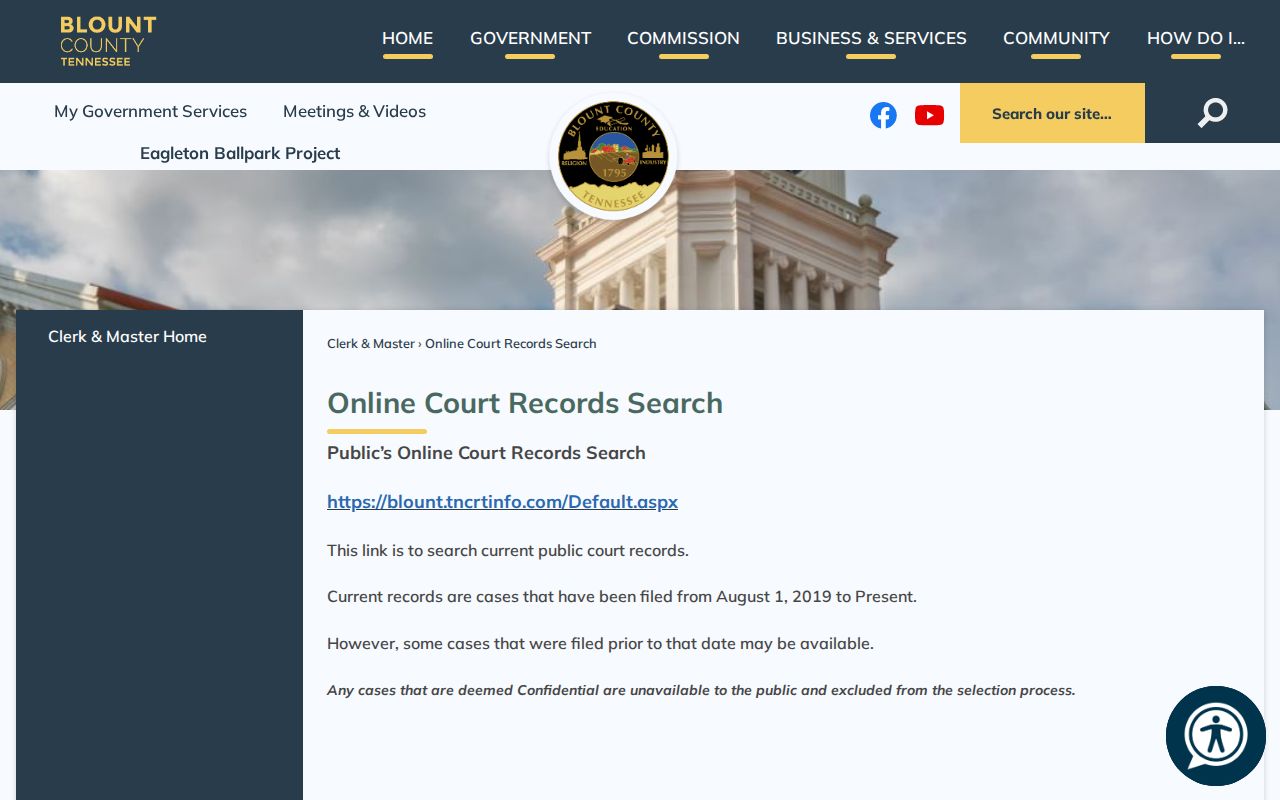
The county notice is a fair reminder: the public index helps, but it is not complete.
Blount County Search Checklist
Keep a simple search log. Write down the exact name, spelling, year, number segment, office choices, and date searched. Save the court and case number from a likely match. Do that before applying any literal result filter. When facts conflict, trust the clerk that holds the record over a screen capture. For a court date, compare the newest register entry with the Blount County court calendar. For a filed document, use the counter, public terminal, mail, phone, portal contact, or a formal records request. Municipal cases start with the city clerk. Appellate matters start with Public Case History. Note: A precise no-result search is a routing signal. It does not prove a case, filing, or court setting never existed.